
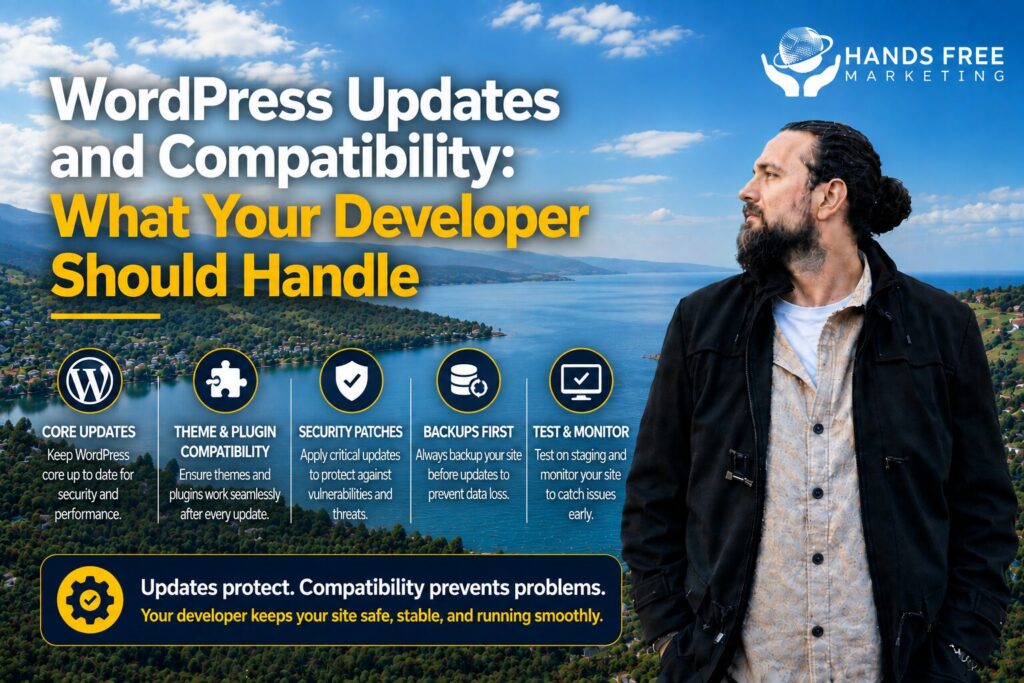
Keeping your WordPress website updated is about more than installing the latest version. Every update has the potential to affect your website’s functionality, security, and performance if it’s not handled properly.
That’s why understanding WordPress Updates and Compatibility is so important. A reliable developer helps ensure your website continues to run smoothly while reducing the risk of downtime or unexpected issues.
Keep WordPress Up to Date
WordPress regularly releases updates that improve security, fix bugs, and introduce new features.
Installing these updates helps protect your website from security vulnerabilities while ensuring it continues to perform reliably.
Check Plugin Compatibility
Plugins are one of WordPress’s biggest strengths, but they can also cause problems if they’re not compatible with the latest version of WordPress.
A developer should:
- Test plugin updates
- Remove outdated plugins
- Replace unsupported plugins
- Fix compatibility conflicts
This helps prevent broken features and website errors.
Update Themes Safely
Your WordPress theme also needs regular maintenance.
Before updating a theme, your developer should confirm it’s compatible with your plugins and WordPress version. This helps avoid layout issues, missing content, or design problems after an update.
Back Up Your Website First
Before making any updates, a complete backup should always be created.
If something goes wrong, your website can be restored quickly without losing valuable content or customer information.
Monitor Website Performance
Updates can sometimes affect page speed or website functionality.
After completing updates, your developer should:
- Test important pages
- Check contact forms
- Review navigation
- Monitor loading speed
- Confirm everything works correctly on mobile devices
This ensures visitors continue to enjoy a smooth browsing experience.
Strengthen Website Security
Keeping WordPress updated is one of the simplest ways to improve website security.
Your developer should also:
- Remove unused plugins and themes
- Keep security tools updated
- Monitor for suspicious activity
- Maintain secure login practices
Together, these steps help reduce the risk of security breaches.
Prevent Compatibility Problems
Updating WordPress without testing can sometimes create conflicts between plugins, themes, and custom features.
An experienced developer understands how to identify potential issues before they affect your live website, reducing downtime and protecting your business.
Leave the Technical Work to Your Developer
Managing WordPress Updates and Compatibility requires more than simply clicking an update button. Regular maintenance, compatibility testing, backups, and performance checks all play an important role in keeping your website secure and reliable.
At Hands Free Marketing, we help businesses across New Zealand keep their WordPress websites updated, secure, and performing at their best, so you can focus on running your business with confidence.
If you want clarity instead of guesswork, get in touch.
👉 Book your free 15-minute consult
📞 027 590 9421
📧 jevon@handsfreemarketing.com
🌐 Web Design Hawke’s Bay